Ergonomic desk setup
Creating an ergonomic desk setup is essential for achieving optimal comfort, productivity, and health during your work hours. This guide will walk you through how to set up your workspace to promote better posture and efficiency.
Key Takeaways
- Adjust your chair and desk height to suit your needs.
- Use ergonomic accessories like keyboards and mouse to minimize strain.
- Maintain a clean and organized workspace for maximum efficiency.
- Incorporate breaks and stretches into your work routine.
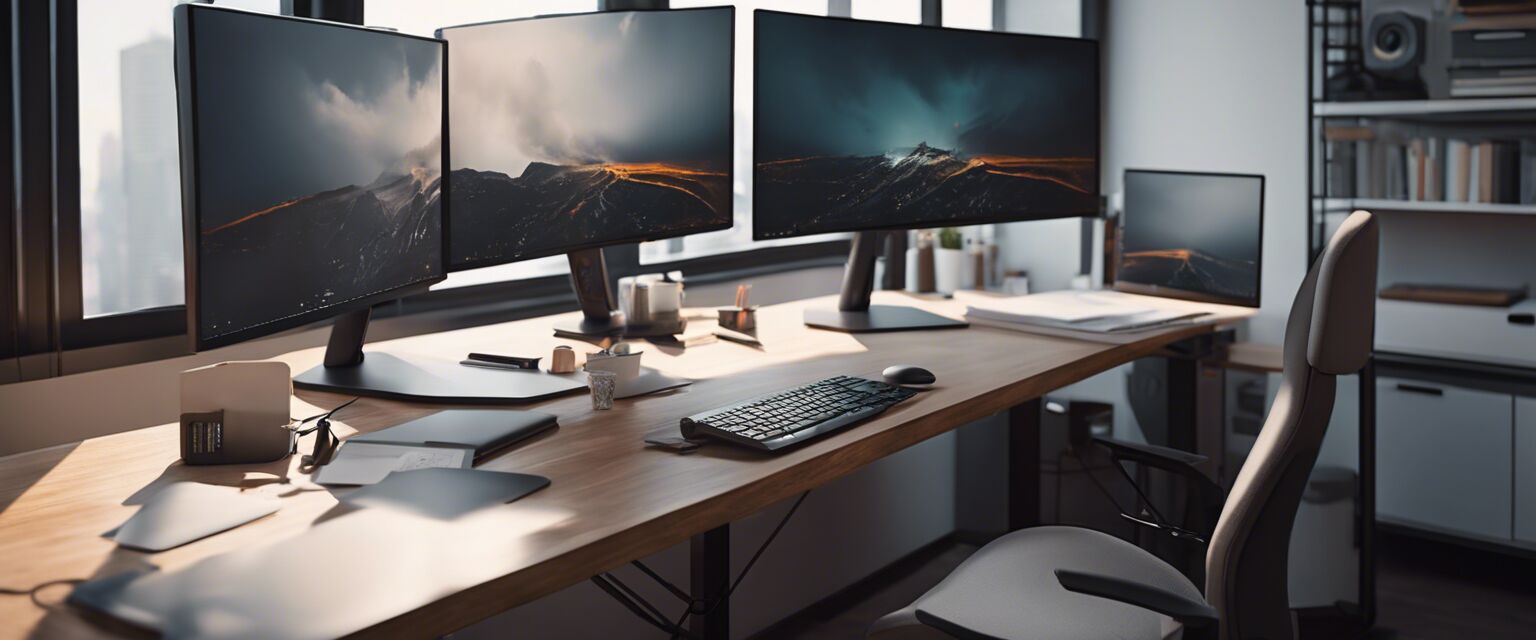
- Consider the layout of monitors and other tools for optimal visibility.
Step-by-step guide to an ergonomic desk setup
The following steps will help you create a comfortable and efficient ergonomic workspace:
1. Choose the right desk and chair
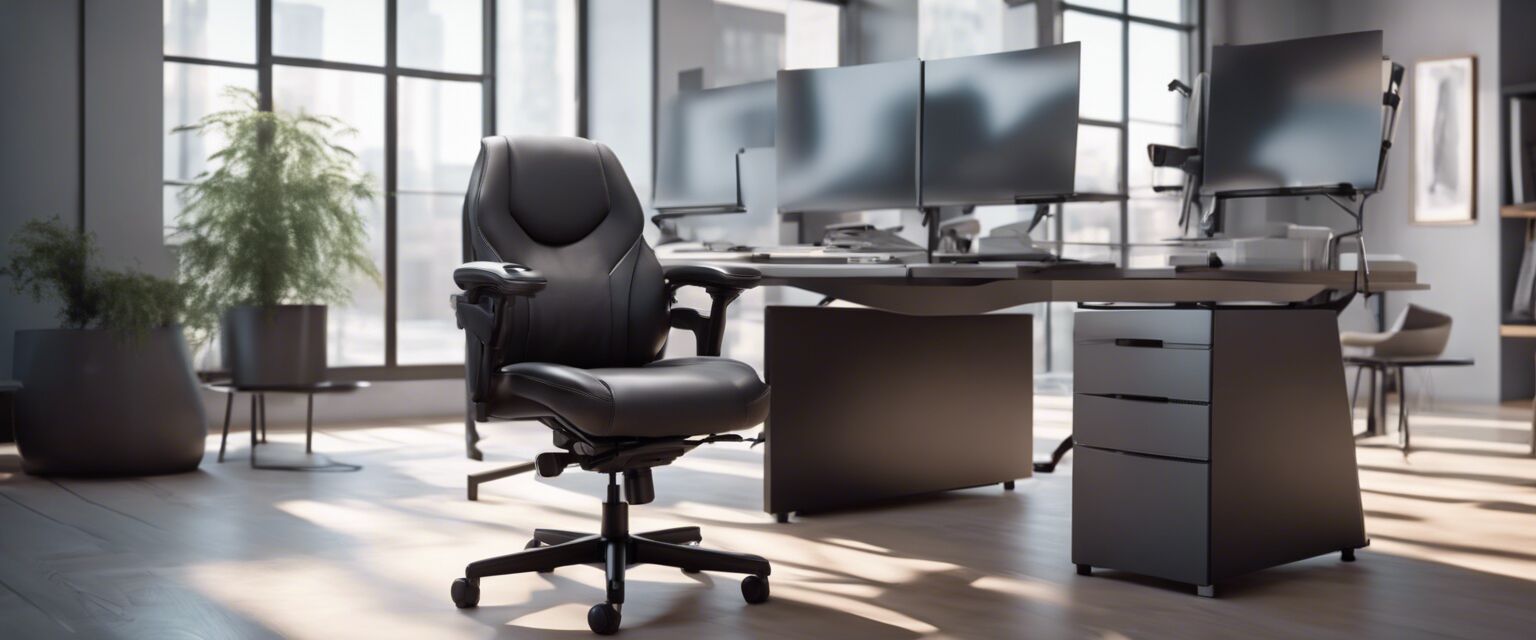
Your chair and desk are the foundations of your ergonomic setup. Here are some tips:
- Desk height: Should allow your elbows to be at a 90-degree angle when typing.
- Chair height: Your feet should be flat on the ground, with knees slightly lower than hips.
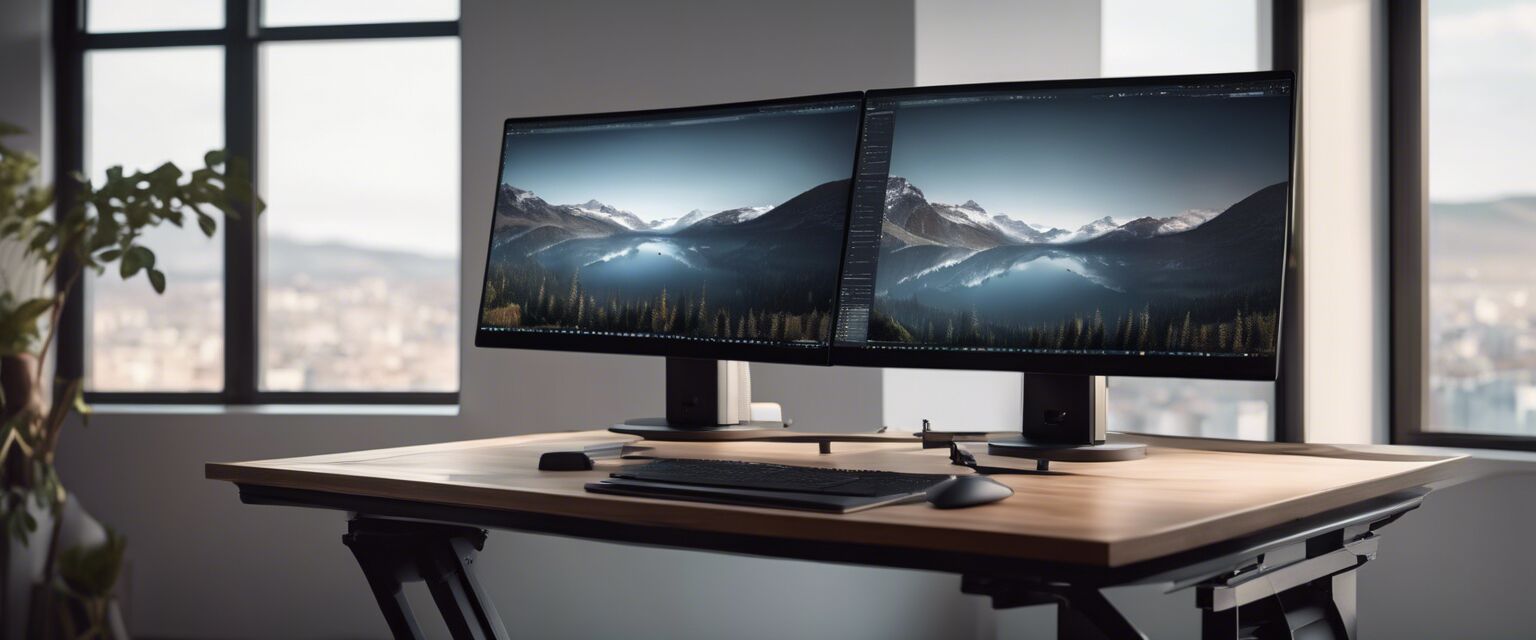
2. Arrange your monitor
Position your monitor to avoid strain on your neck and eyes:
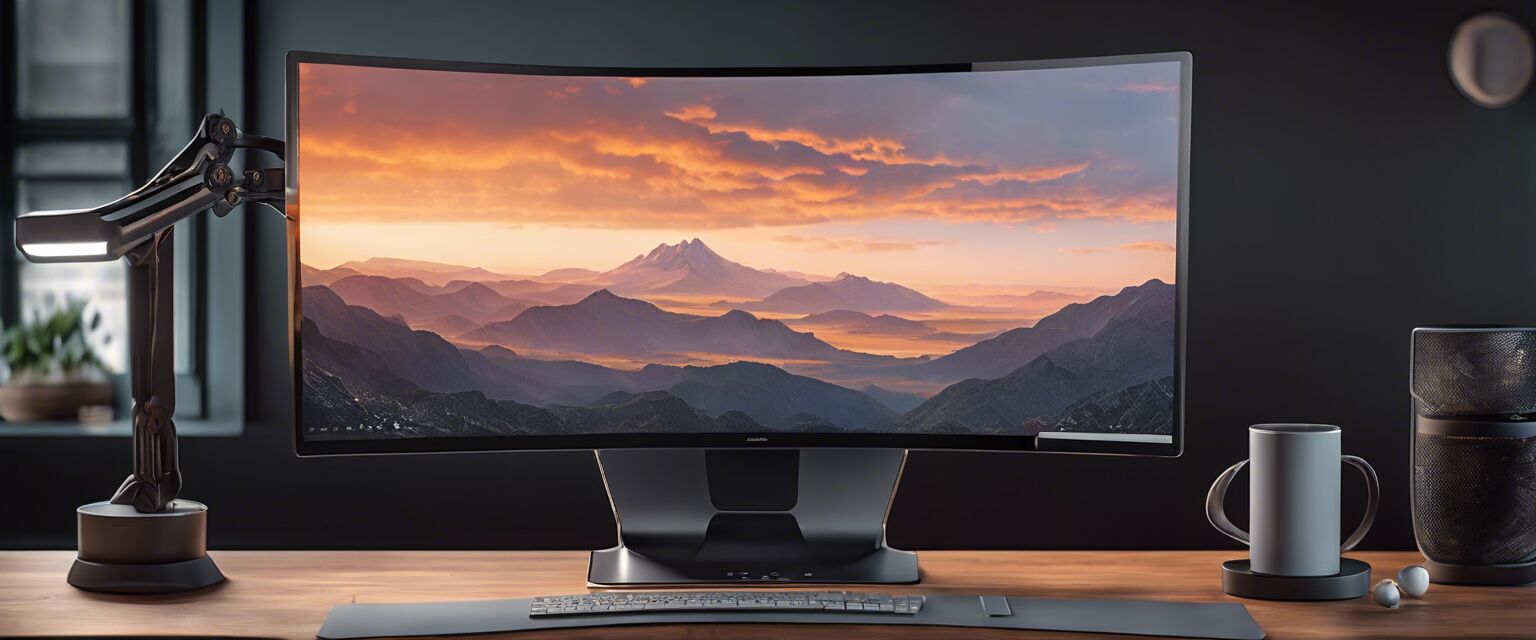
- Top of the screen should be at or slightly below eye level.
- Monitor should be approximately an arm's length away from your eyes.

3. Use ergonomic accessories
Consider investing in ergonomic tools to further enhance your comfort:
| Accessory | Description |
|---|---|
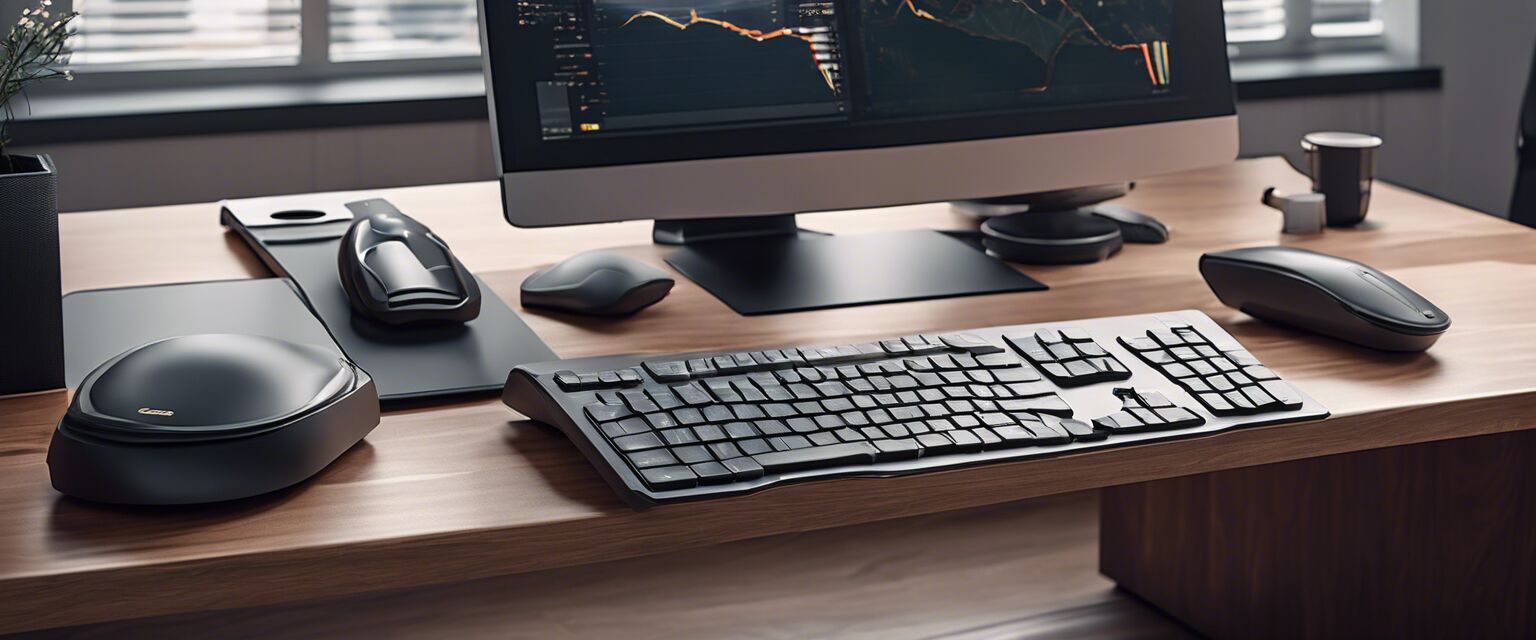
| Ergonomic keyboard | Designed to reduce wrist strain and improve typing posture. |
| Ergonomic mouse | Contours to the hand's natural shape for reduced wrist tension. |
| Foot rest | Helps maintain proper foot positioning and reduces pressure on legs. |
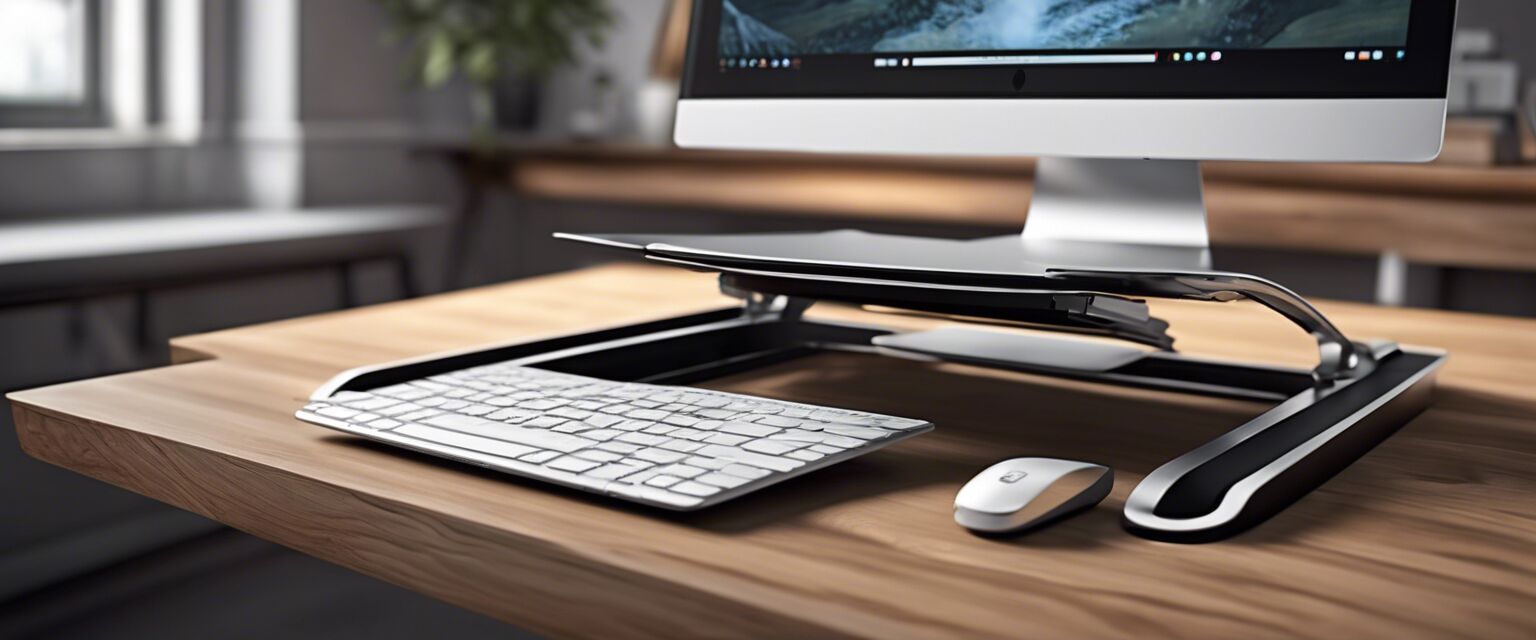
| Monitor stand | Elevates monitors to the appropriate eye level, promoting better posture. |
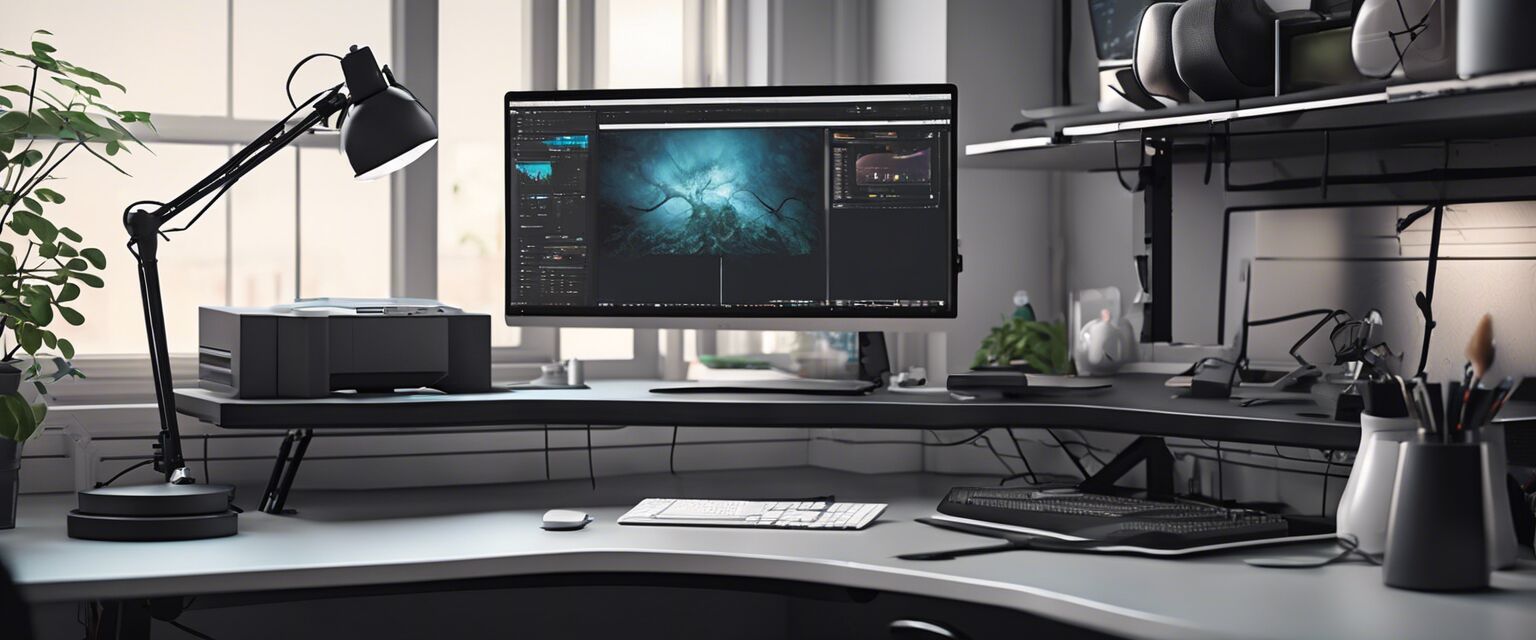
4. Monitor your lighting
Proper lighting can reduce eye strain and improve your working environment:
- Aim for natural light whenever possible.
- Invest in adjustable lamps to ensure proper brightness levels.
5. Keep your workspace organized
A clutter-free desk can improve your productivity:
- Use storage solutions to keep essentials within reach.
- Regularly tidy your workspace to maintain focus.

Breaks and movement
Incorporating breaks and movement into your daily routine is crucial:
- Take short breaks every hour to stretch.
- Consider using a timer to remind you to stand up and move around.
Internal resources for ergonomic setups
For further information on selecting ergonomic products, check out our dedicated product categories:
Tips for beginners
- Start with a basic ergonomic chair and adjust as needed.
- Create a checklist to ensure all setup elements are ergonomic.
- Consult with coworkers for setup ideas and recommendations.
Pros
- Improved comfort and productivity.
- Reduces risk of musculoskeletal disorders.
- Encourages better posture.
- Can enhance overall work efficiency.
Cons
- Initial costs for ergonomic products can be high.
- May require adjustments to existing habits.
- Space constraints may limit setup options.