Ergonomic Mice
Key Takeaways
- Ergonomic mice are designed to reduce strain and improve comfort during prolonged use.
- They come in various shapes and sizes to accommodate different hand sizes and grips.
- Key features include adjustable DPI settings, customizable buttons, and wireless connectivity.
- Choosing the right ergonomic mouse can enhance productivity and reduce the risk of repetitive strain injuries.
In the modern workplace, an ergonomic mouse is an essential tool for anyone who spends hours in front of a computer. Designed to fit the natural shape of your hand, these devices can significantly enhance comfort and productivity while reducing the risk of strain injuries.
What is an ergonomic mouse?
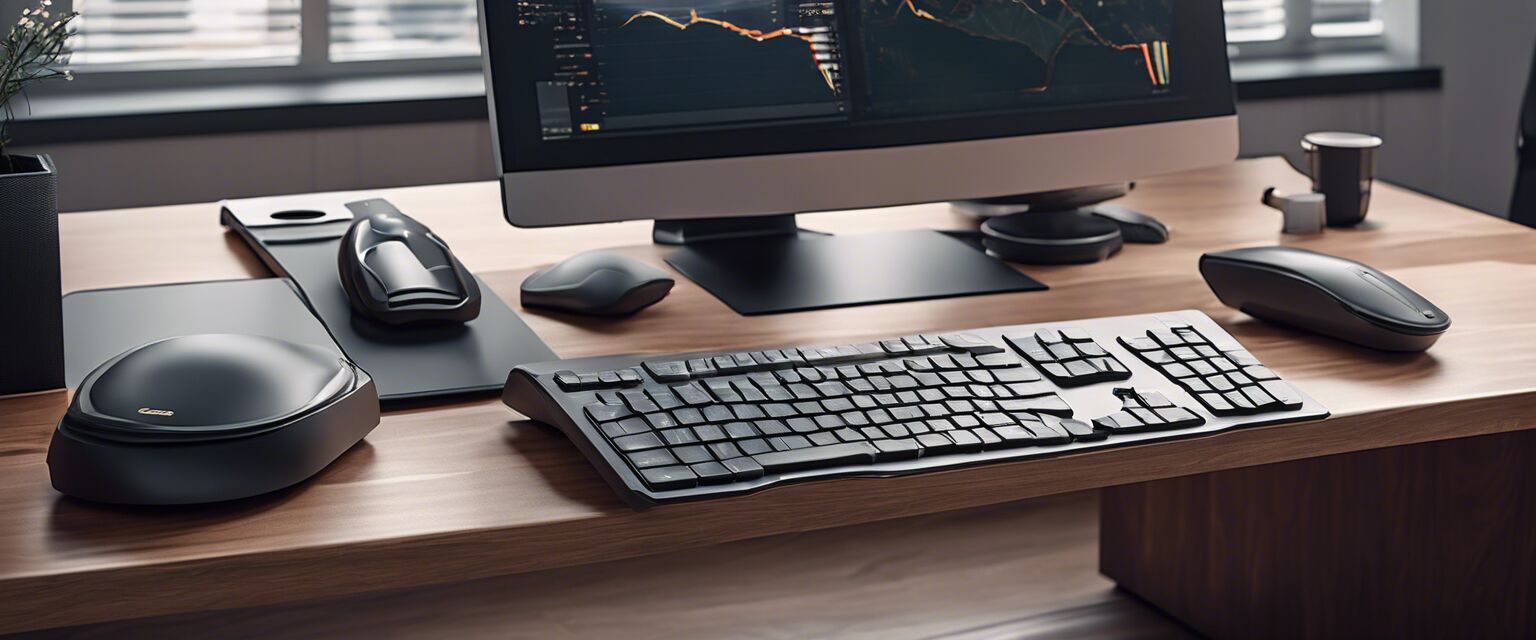
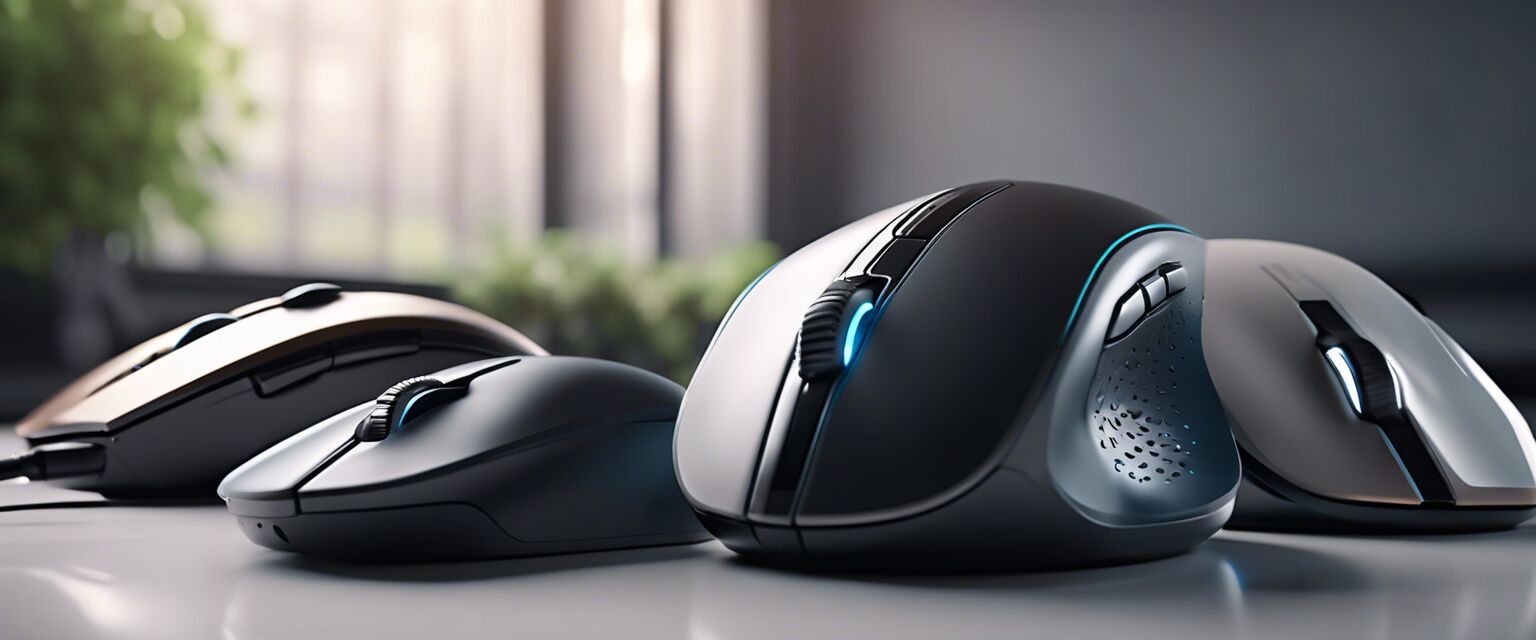
An ergonomic mouse is specifically designed to reduce discomfort and promote better posture during use. Unlike traditional mice, ergonomic models come with unique shapes and features that cater to the natural movements of the hand and wrist.

Features of ergonomic mice
When looking for an ergonomic mouse, consider the following features:
- Comfortable grip: Mice are designed to fit the contours of your hand.
- Adjustable DPI: Change sensitivity for different tasks.
- Customizable buttons: Assign functions to buttons for efficiency.
- Wired vs. wireless: Choose based on your preference for mobility.
Benefits of using an ergonomic mouse
Using an ergonomic mouse offers several advantages:
- Reduced strain on the wrist and hand.
- Increased comfort during long work sessions.
- Enhanced productivity through customizable features.
- Improved posture and alignment.
Types of ergonomic mice
There are various types of ergonomic mice available, catering to different needs. Below is a comparison of common types:
| Type | Description | Best For |
|---|---|---|
| Vertical Mouse | Designed to keep the hand in a handshake position. | Users with wrist pain. |
| Trackball Mouse | Features a ball that you roll to move the cursor. | Limited desk space users. |
| Pen-style Mouse | Resembles a pen and allows for more natural hand movement. | Artists and designers. |
| Regular Ergonomic Mouse | Standard size with ergonomic features. | General office use. |
Choosing the right ergonomic mouse
Selecting the right ergonomic mouse involves considering your individual needs. Here are some tips:
Tips for beginners
- Test the mouse in-store if possible to find the most comfortable fit.
- Consider the grip style (palm, claw, or fingertip) that suits you best.
- Look for adjustable DPI settings for versatility.
- Opt for a model with additional buttons if you need shortcuts for your work.
Popular ergonomic mouse models
While we won't recommend specific products, here are some features to look for in popular models:
- Wireless options for easy mobility.
- High DPI settings for precision tasks.
- Adjustable weight for personal preferences.
Maintaining your ergonomic mouse
To ensure longevity and performance, consider the following maintenance tips:
- Keep it clean by wiping it down regularly.
- Replace batteries as needed if using a wireless mouse.
- Avoid using it on uneven surfaces to maintain precision.
Conclusion
Investing in an ergonomic mouse is a step toward improving your overall comfort and productivity at work. By understanding the different types and features available, you can make an informed decision that suits your needs.
Pros
- Enhances comfort and reduces strain.
- Improves productivity with customizable features.
- Available in various styles to suit different users.
Cons
- Can be more expensive than standard mice.
- May take time to adjust to a new design.
- Some models may not suit every hand size.
Explore more ergonomic products
To further enhance your workspace, consider exploring other ergonomic accessories: