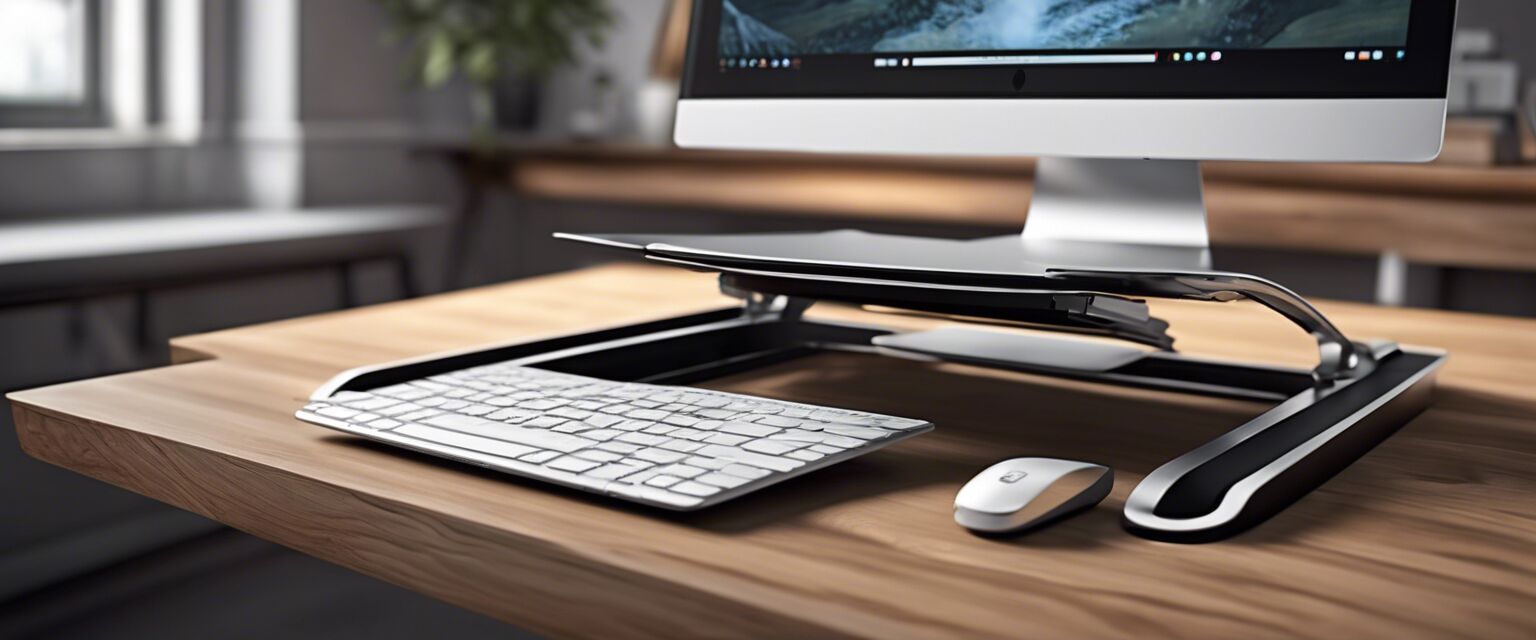
Ergonomic Laptop Stands
Key Takeaways
- Ergonomic laptop stands promote better posture and reduce strain.
- Choosing the right height and angle is crucial for comfort.
- Consider materials, portability, and adjustability when selecting a stand.
- Regular use can lead to improved productivity and comfort during long hours of work.
In today's digital age, many of us spend hours on our laptops, whether for work or leisure. An ergonomic laptop stand not only enhances your workspace but also plays a key role in maintaining good posture and reducing strain on your body. This article explores the various aspects of ergonomic laptop stands and offers tips on how to select the best one for your needs.
Why Use an Ergonomic Laptop Stand?
Using an ergonomic laptop stand can significantly improve your workstation setup. Here are some key benefits:
- Improved Posture: By raising the laptop to eye level, you can maintain a neutral spine position.
- Reduced Eye Strain: Proper screen height helps reduce the need to tilt your head down.
- Enhanced Comfort: A well-designed stand can minimize discomfort during long working hours.
Types of Ergonomic Laptop Stands
There are various types of ergonomic laptop stands available, each with its unique features. Below are some popular categories:
| Type | Description | Best For |
|---|---|---|
| Fixed Height Stands | Simple, stable, and often more affordable. | Users with a fixed workspace. |
| Adjustable Stands | Allows height and angle adjustments for personalized comfort. | Users who frequently change positions. |
| Portable Stands | Lightweight and foldable, perfect for on-the-go setups. | Travelers and remote workers. |
| Lap Desks | Designed for use on the lap with added cushioning. | Casual users and those working from bed or couch. |
Choosing the Right Ergonomic Laptop Stand
When selecting an ergonomic laptop stand, consider the following factors:
- Height Adjustment: Ensure the stand can be adjusted to your eye level.
- Material: Look for durable materials that can support your laptop's weight.
- Portability: If you travel often, consider a lightweight and foldable option.
- Stability: Make sure the stand provides a stable base to prevent wobbling.
Setting Up Your Ergonomic Laptop Stand
Once you've chosen the right stand, here are some tips for setting it up effectively:
- Place your laptop on the stand at a comfortable eye level.
- Adjust the angle to minimize glare and enhance visibility.
- Use an external keyboard and mouse for better ergonomics.
- Ensure your feet are flat on the ground or on a footrest.
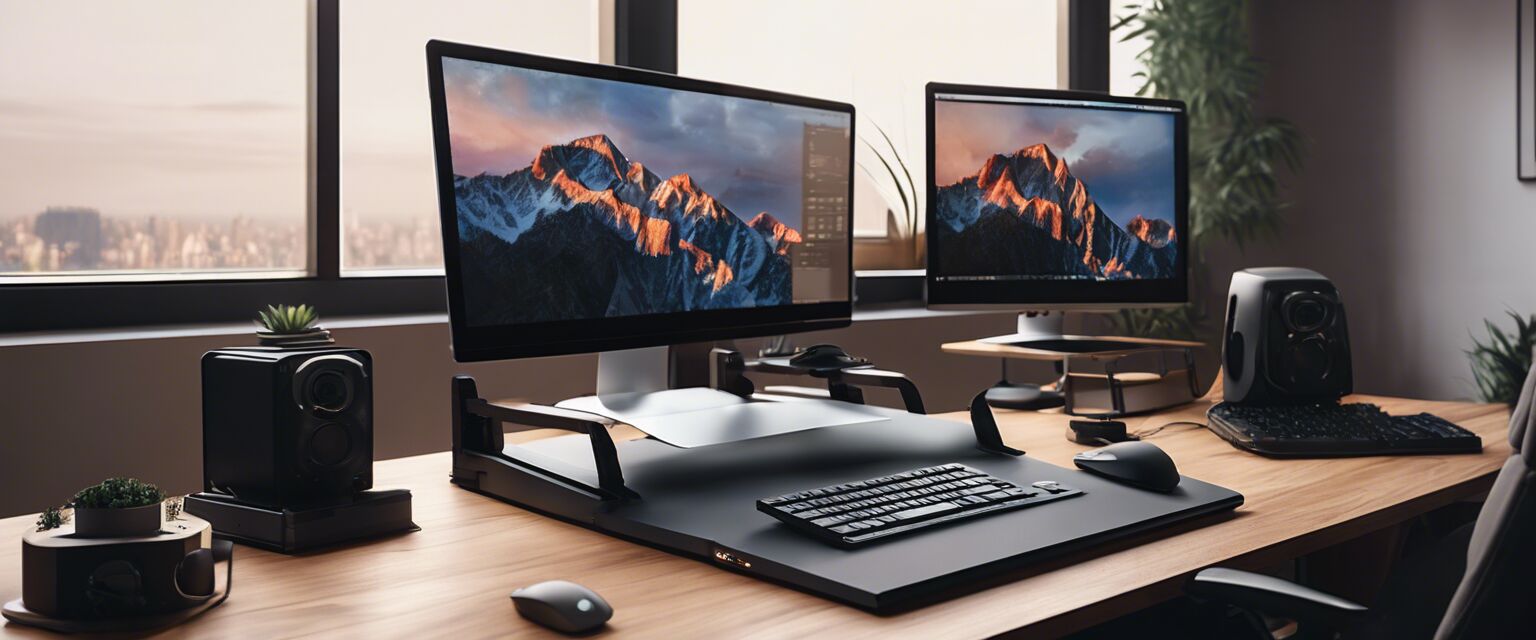
Comparing Popular Ergonomic Laptop Stands
To help you make an informed decision, hereâs a comparison of some popular ergonomic laptop stands:
| Stand Model | Height Adjustment | Material | Portability | Price Range |
|---|---|---|---|---|
| Model A | Yes | Aluminum | Portable | $$ |
| Model B | No | Plastic | Lightweight | $ |
| Model C | Yes | Wood | Not Portable | $$$ |
| Model D | Yes | Steel | Portable | $$ |
Maintaining Your Ergonomic Setup
To ensure your ergonomic setup remains effective, consider these maintenance tips:
- Regularly adjust the height of your stand as needed.
- Keep your workspace organized to minimize clutter.
- Take breaks every hour to stretch and move around.
Conclusion
Investing in an ergonomic laptop stand can significantly enhance your work experience. By promoting better posture and reducing strain, you can work more comfortably and productively. Remember to consider your specific needs and preferences when selecting the right stand for you.
Pros
- Improves posture and comfort.
- Reduces strain on eyes and neck.
- Variety of styles to suit personal needs.
- Can enhance productivity.
Cons
- Some models can be expensive.
- Not all stands are portable.
- May require additional accessories like keyboards.
Tips for Beginners
- Start with a basic stand before trying more advanced models.
- Experiment with different heights to find your ideal setup.
- Invest in a good external keyboard and mouse for maximum comfort.
- Keep your eyes aligned with the top of the screen for best posture.
For more information on ergonomic accessories, check out our other categories: Ergonomic Chairs, Ergonomic Keyboards, Ergonomic Mice, Foot Rests, Monitor Stands, and Standing Desks.