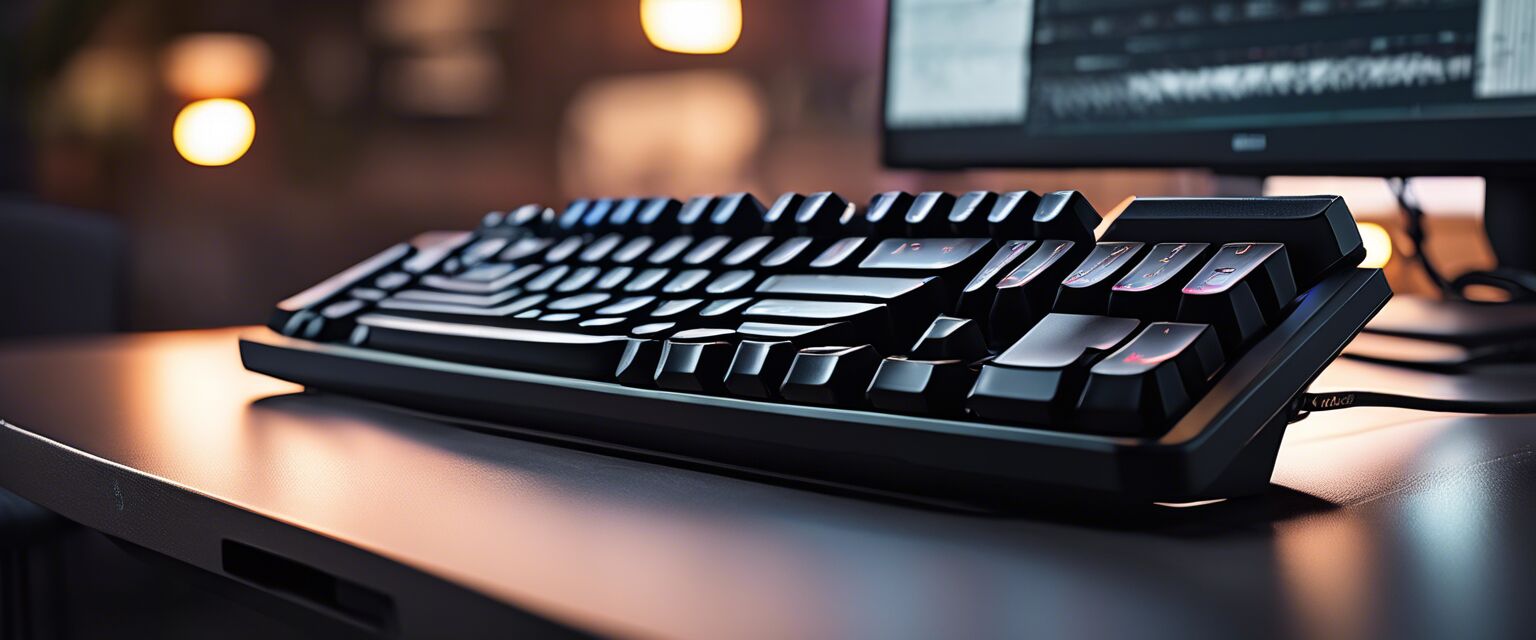
Ergonomic Keyboards
Key Takeaways
- Ergonomic keyboards are designed to reduce strain on your hands and wrists.
- There are various types of ergonomic keyboards, including split, curved, and compact keyboards.
- Benefits include improved posture, increased comfort, and reduced risk of repetitive strain injuries.
- Choosing the right ergonomic keyboard can greatly enhance your productivity and overall workspace comfort.
In today's fast-paced work environment, an ergonomic keyboard can be a game-changer. These specialized keyboards are designed to promote better posture and reduce discomfort during long hours of typing. In this in-depth guide, we will explore the different types of ergonomic keyboards, their benefits, and essential features to consider when making a purchase.
What is an ergonomic keyboard?
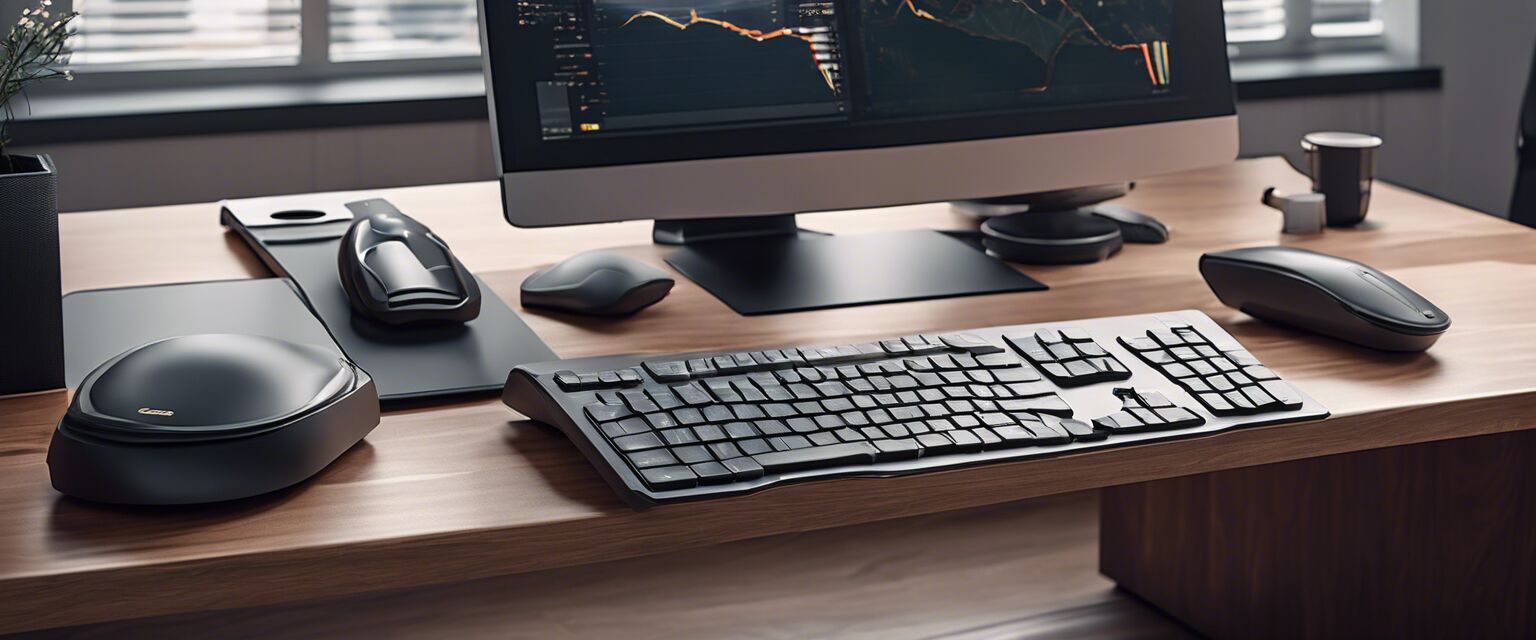
An ergonomic keyboard is designed to minimize muscle strain and improve comfort while typing. Unlike traditional keyboards, ergonomic models often feature unique layouts and shapes that promote a more natural hand and wrist position. This design aims to prevent repetitive strain injuries (RSIs) and enhance your overall typing experience.
Types of ergonomic keyboards
There are several types of ergonomic keyboards available, each with distinct features. Hereâs a look at the most common types:
| Type | Description | Best For |
|---|---|---|
| Split Keyboards | Divided into two sections to promote a more natural hand position. | Writers and programmers who type for long periods. |
| Curved Keyboards | Features a wave-like design to reduce wrist strain. | Individuals seeking a more comfortable typing angle. |
| Compact Keyboards | Smaller size with essential keys, reducing wrist movement. | Users with limited desk space. |
| Vertical Keyboards | Designed to keep hands in a handshake position, reducing forearm twisting. | People with wrist pain or discomfort. |
Benefits of using ergonomic keyboards
Investing in an ergonomic keyboard can lead to several advantages:
- Improved posture: Ergonomic keyboards encourage a more natural hand position, which can help maintain proper posture.
- Increased comfort: With better hand positioning, users often experience reduced discomfort during long typing sessions.
- Reduced risk of injuries: Using an ergonomic keyboard can lower the chances of developing repetitive strain injuries.
- Enhanced productivity: Comfort can lead to increased focus and efficiency while working.
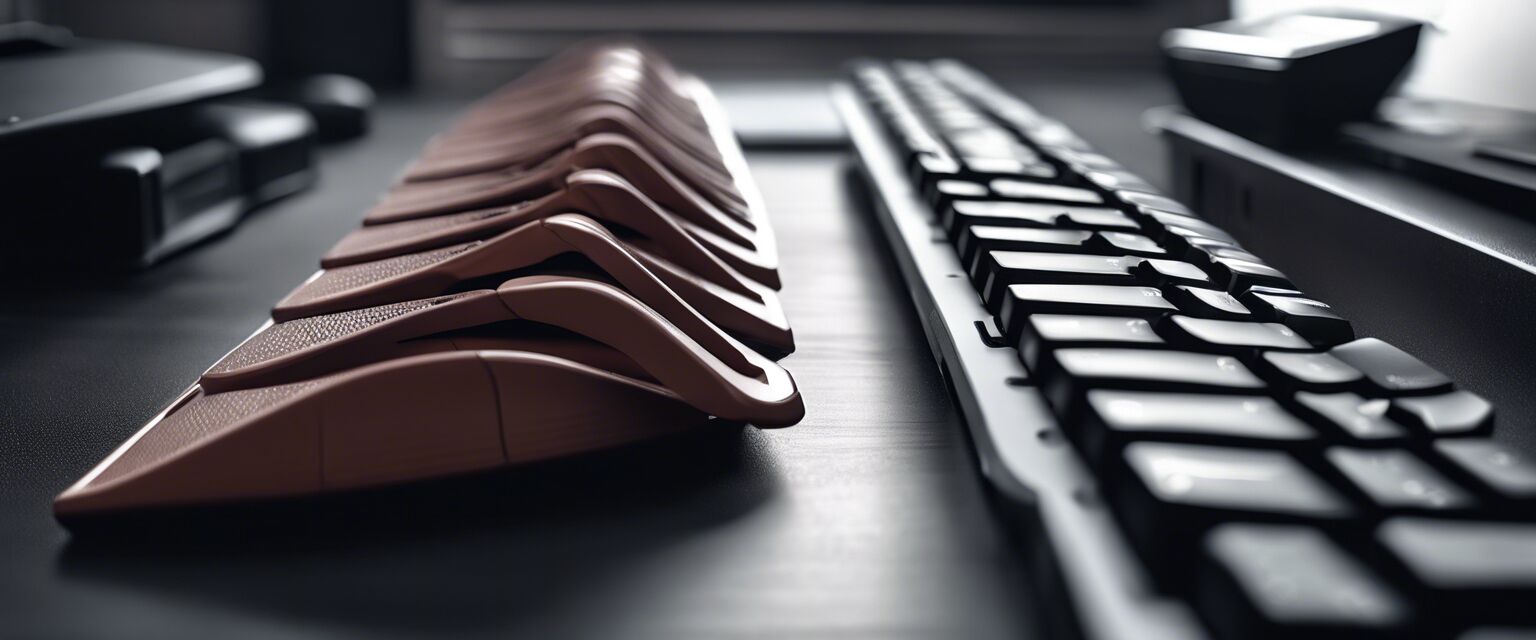
Key features to look for
When selecting an ergonomic keyboard, consider the following features:
- Adjustable height: Look for keyboards that allow you to adjust the height to suit your typing position.
- Wrist support: Integrated or detachable wrist pads can enhance comfort during use.
- Key layout: Choose a layout that feels natural for your typing style.
- Connectivity: Decide between wired or wireless options based on your workspace needs.
- Key feedback: Test different key mechanisms to find the one that provides the best feedback for your typing style.
Choosing the right ergonomic keyboard
Selecting the right ergonomic keyboard can significantly impact your comfort and productivity. Here are some tips to guide your decision:
Beginner's tips
- Try before you buy: Visit a store to test different keyboard types.
- Consider your typing habits: Choose a keyboard that complements your typing style.
- Read user reviews: Look for feedback from other users to gauge comfort and performance.
- Check for warranties: Ensure the keyboard comes with a warranty for peace of mind.
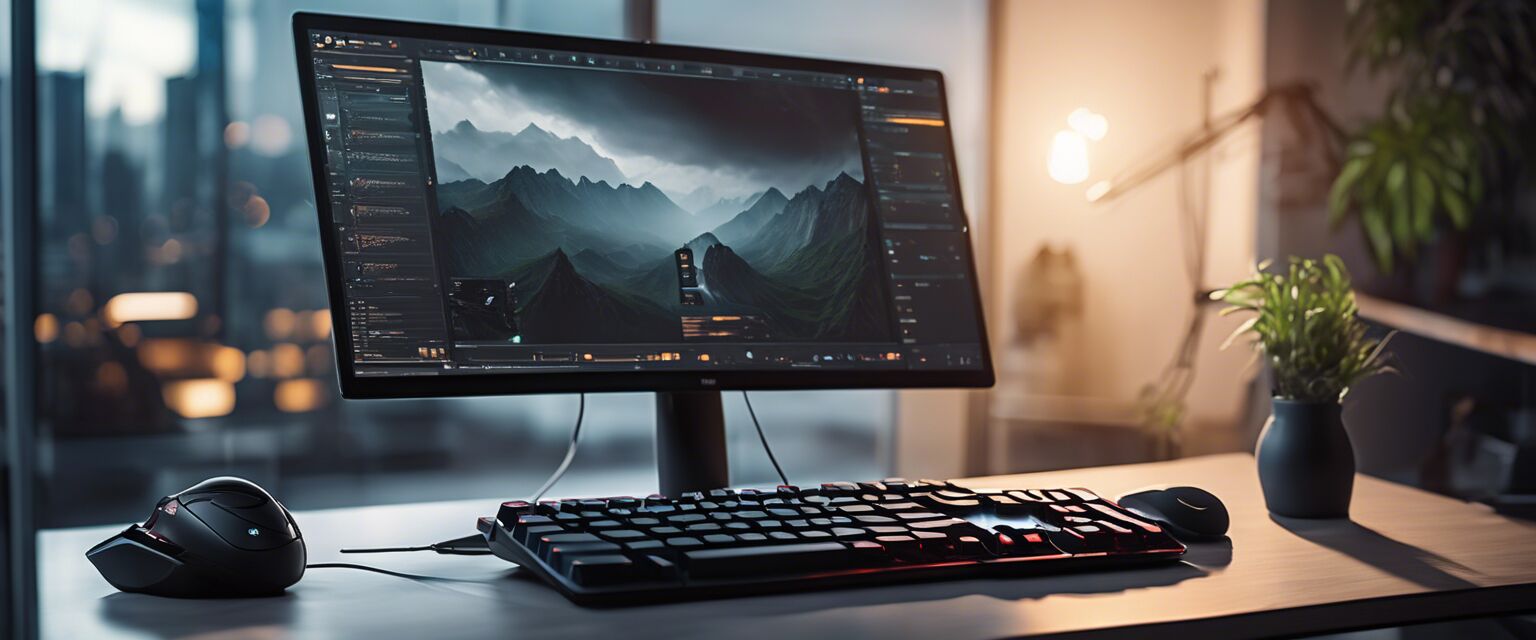
Comparison of popular ergonomic keyboards
To help you understand the differences between various ergonomic keyboards, hereâs a comparison table:
| Keyboard | Type | Price Range | Features |
|---|---|---|---|
| Keyboard A | Split | $$ | Adjustable height, wrist support |
| Keyboard B | Curved | $$$ | Integrated wrist rest, customizable keys |
| Keyboard C | Compact | $ | Lightweight, portable design |
| Keyboard D | Vertical | $$$ | Ergonomic shape, USB connectivity |
Conclusion
Investing in an ergonomic keyboard is a wise decision for anyone looking to improve their workspace comfort. With a variety of options available, you can find a keyboard that suits your typing style and needs. Remember to consider the features that matter most to you and don't hesitate to test different types before making your purchase.
Pros
- Reduces strain on hands and wrists
- Promotes better posture
- Increased typing comfort
- Variety of designs to suit different preferences
Cons
- May require an adjustment period
- Can be more expensive than traditional keyboards
- Some designs may take up more desk space
For more information on ergonomic products, check out our other articles on ergonomic chairs, ergonomic mice, and standing desks to enhance your workspace further.