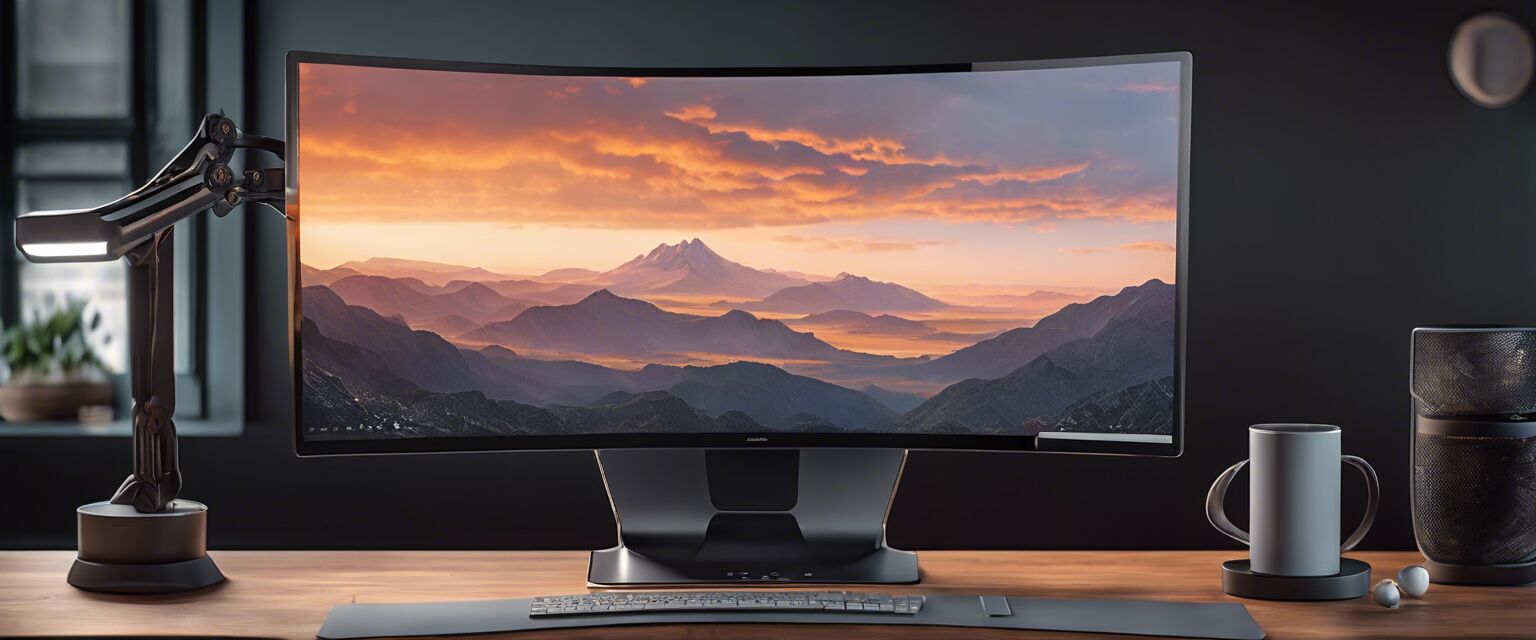
Ergonomic Monitor Stands
Key Takeaways
- Ergonomic monitor stands help improve posture and reduce strain during long hours of work.
- Choosing the right monitor stand involves considering height adjustability, material, and design.
- Monitor stands can enhance workspace organization and declutter your desk.
- Investing in a good monitor stand can lead to better productivity and comfort.
In today's digital age, spending long hours in front of a computer screen is commonplace. However, this can lead to poor posture and discomfort. Ergonomic monitor stands are designed to elevate your screen to eye level, promoting better posture and reducing strain. In this article, we will explore the benefits of ergonomic monitor stands, key features to consider when choosing one, and tips for optimizing your workspace.
What are ergonomic monitor stands?
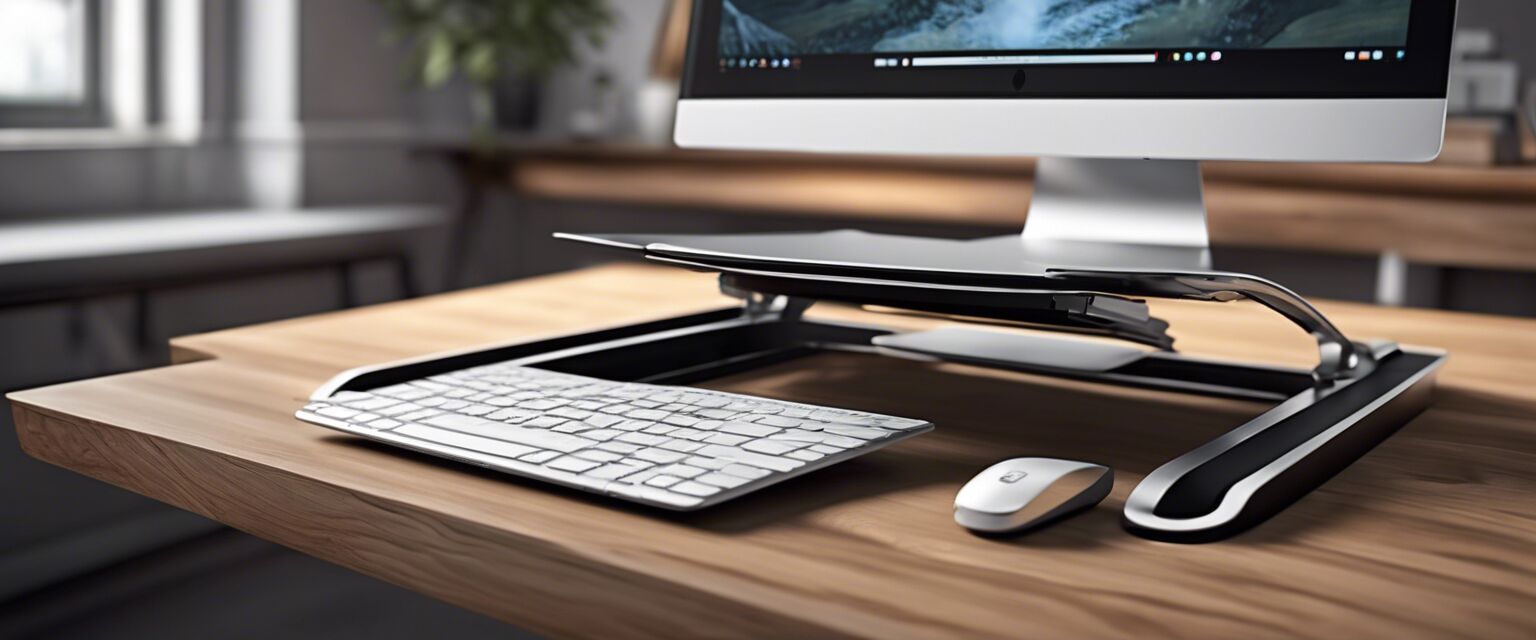
Ergonomic monitor stands are adjustable platforms that hold computer monitors at an ideal height and angle. They are designed to enhance comfort, improve posture, and optimize workspace efficiency. By elevating your monitor, these stands help to align your neck and spine while working, thus encouraging a healthier working environment.
Benefits of using ergonomic monitor stands
- Improved posture: Keeping your monitor at eye level can help prevent slouching and neck strain.
- Reduced eye strain: Proper monitor height can reduce the need to tilt your head, leading to less eye fatigue.
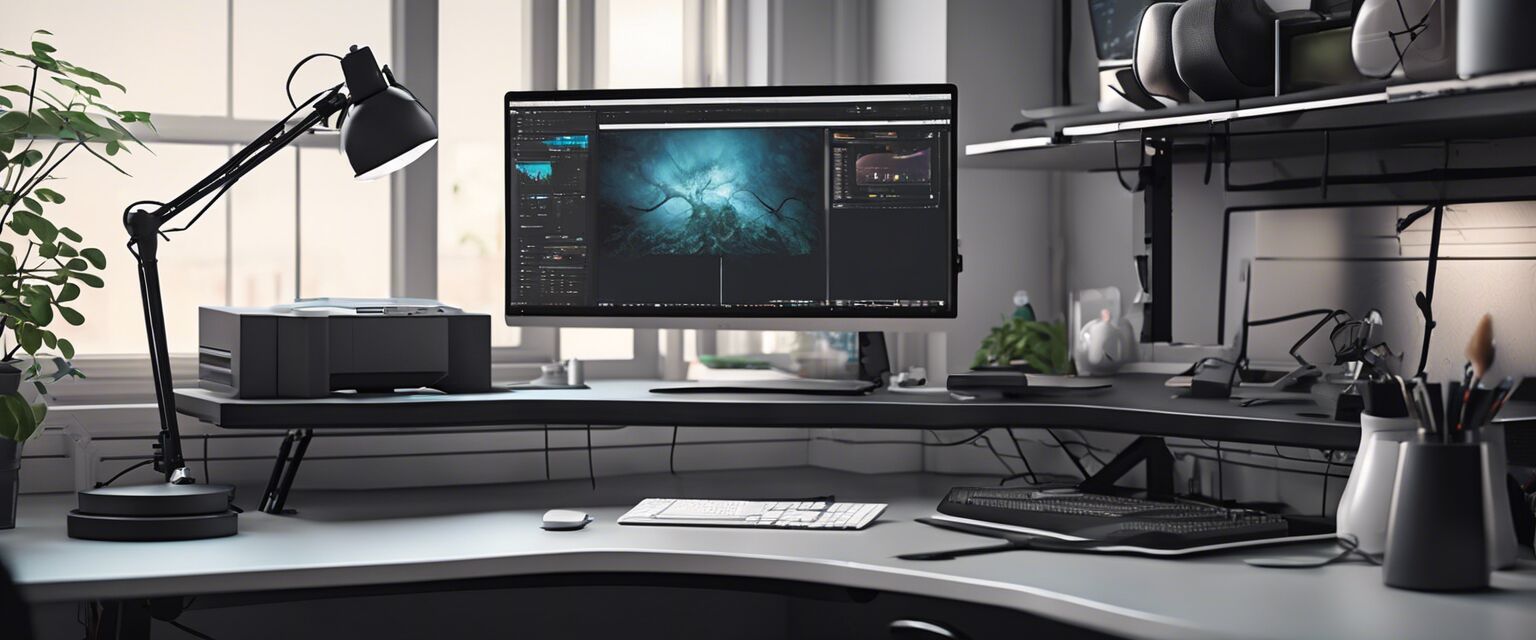
- Enhanced workspace organization: Many monitor stands come with additional storage options for office supplies, helping to keep your desk tidy.
- Increased productivity: A comfortable working environment can lead to improved focus and efficiency.
Key features to consider when choosing an ergonomic monitor stand
When selecting an ergonomic monitor stand, it's essential to consider several key features to ensure you find the right fit for your needs:
| Feature | Description | Importance |
|---|---|---|
| Height adjustability | Allows you to customize the monitor height to your preference. | Critical for achieving ergonomic alignment. |
| Material | Common materials include wood, metal, and plastic. | Affects durability and aesthetic appeal. |
| Weight capacity | Ensure the stand can support your monitor's weight. | Essential for safety and stability. |
| Storage options | Some stands offer drawers or shelves for storage. | Helps keep your workspace organized. |
| Design | Consider the overall look and style of the stand. | Affects how well it fits into your workspace. |
Choosing the right ergonomic monitor stand
Finding the perfect ergonomic monitor stand can significantly impact your workspace. Here are some tips to help you make the right choice:
Tips for beginners
- Measure your current monitor height and desk space before shopping.
- Look for adjustable options to accommodate future changes.
- Read reviews to understand the pros and cons of different products.
- Consider your personal style and how the stand will fit into your office decor.
- Check if the stand has sufficient weight capacity for your monitor.
Types of ergonomic monitor stands
Ergonomic monitor stands come in various styles and designs. Here are some popular types you might consider:
- Fixed stands: These are simple, sturdy stands that do not adjust in height but can still improve your setup.
- Adjustable stands: These stands can be raised or lowered, allowing for customization based on user preference.
- Articulating arms: These offer the most flexibility, allowing you to move the monitor closer or farther away as needed.
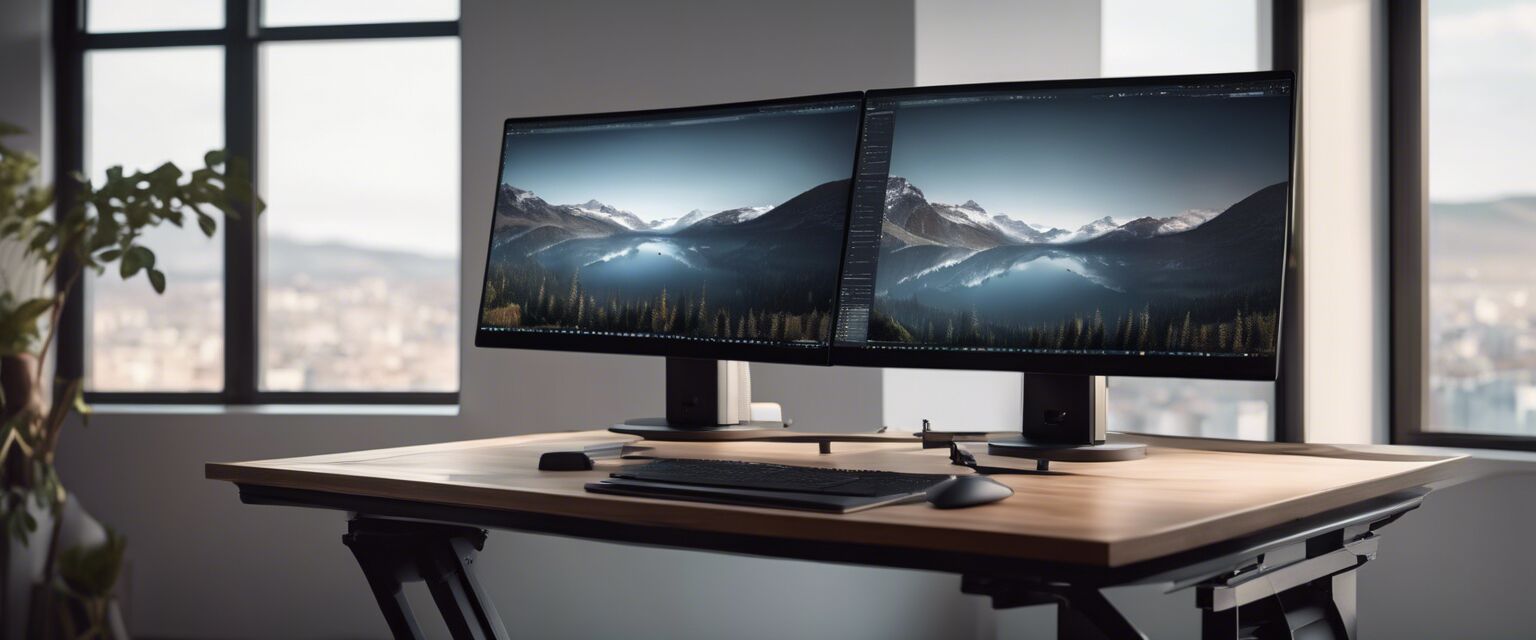
- Multilevel stands: Ideal for stacking multiple monitors or providing additional storage space beneath your screen.
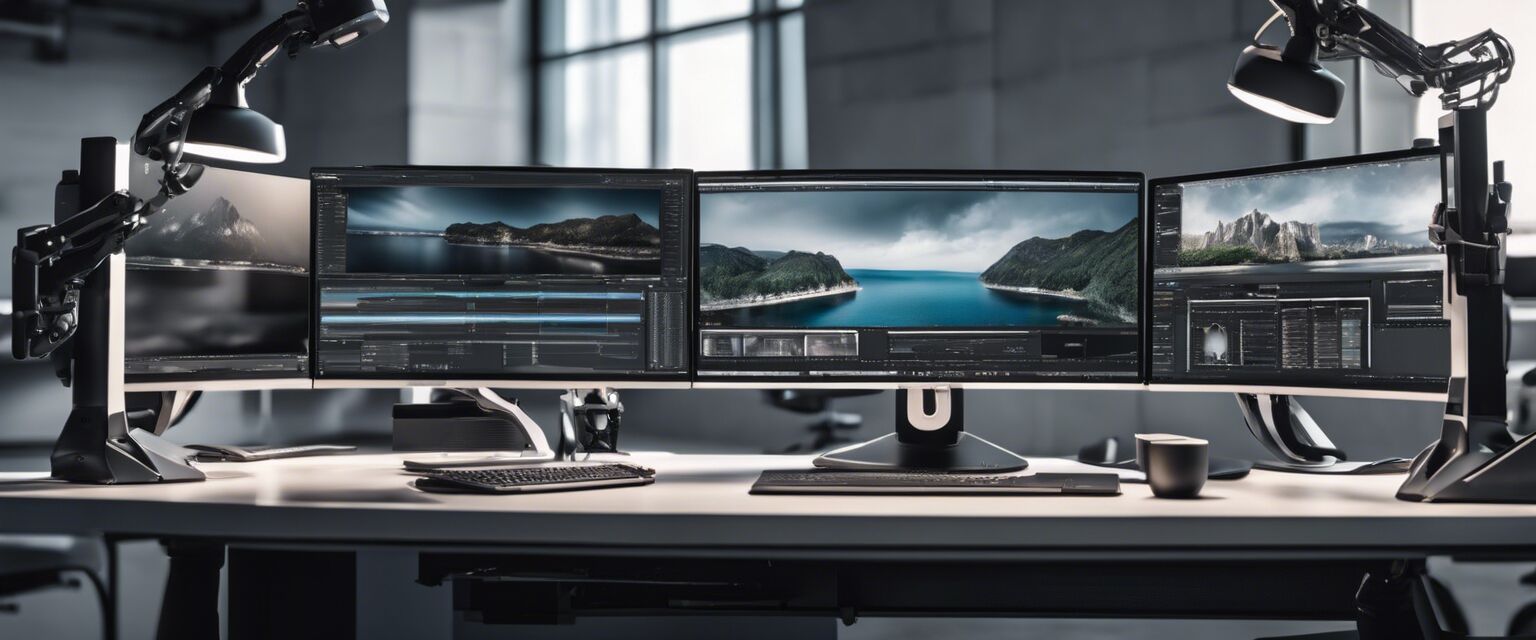
Setting up your ergonomic monitor stand
Once you've selected the right monitor stand, it's time to set it up. Follow these steps for optimal positioning:
- Place the stand on your desk and ensure it's stable.
- Adjust the height so the top of your monitor is at or just below eye level.
- Position the monitor about an arm's length away from your eyes.
- Ensure the monitor is tilted slightly back to reduce glare.
- Keep your keyboard and mouse at the same level as your elbows for comfortable typing.
Maintaining your ergonomic monitor stand
To ensure your monitor stand remains effective and lasts for years, consider these maintenance tips:
- Regularly clean the stand with a damp cloth to remove dust and debris.
- Check for any wear or damage and replace parts as necessary.
- Adjust the height periodically to accommodate any changes in your workspace or posture.
Conclusion
Investing in an ergonomic monitor stand is a small change that can yield significant benefits for your health and productivity. By selecting the right stand and setting it up correctly, you can create a more comfortable and efficient workspace. For more ergonomic solutions, explore our categories on ergonomic chairs, ergonomic keyboards, and standing desks.
Pros
- Improves posture and reduces neck strain.
- Enhances workspace organization.
- Offers customizable height options.
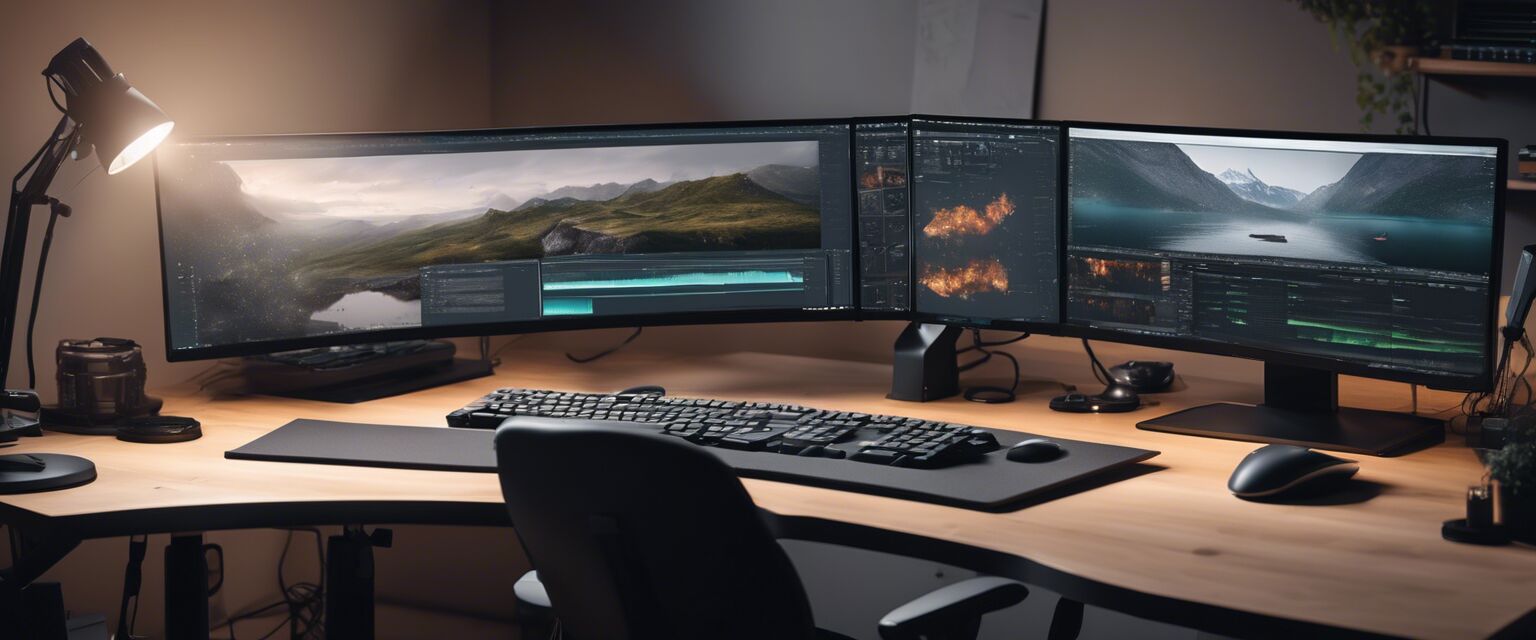
- Can accommodate multiple monitors.
Cons
- Some models can be expensive.
- Fixed stands may not suit everyone's needs.
- Adjustable stands may require assembly.